
Review Connected Financial Accounts Safely
Check which accounts are linked, understand the scope of a financial app and verify provider permissions without assuming every connection is complete or permanent.
By Keel · Safety ·
Free 7-day trial. No card required. Subscribe for $4.99/month to continue; no charge unless you subscribe.
Keep an inventory of financial connections
List the apps you use and which providers or accounts are connected to each. Review permissions through the relevant official channels. A connection that once worked may later require reauthorization or include only supported accounts. Do not assume a planning total includes every asset or debt merely because one bank is linked.
Read the current privacy and access terms
Check what information is requested, how to obtain support and what disconnecting means. Use the provider’s documented controls rather than following an unsolicited repair link. FTC phishing guidance recommends independently verifying financial messages. Keep bank and app sign-in information secure instead of sending it to someone who offers to fix the connection.[1]
Distinguish records from authority
A balance display is not proof that an app holds the money or can move it. Account information and actual payment authorization are different matters. The bank remains the source for current availability, statements and payment status. A connection also does not establish deposit insurance for the planning app itself.[2]
Review Keel’s supported accounts
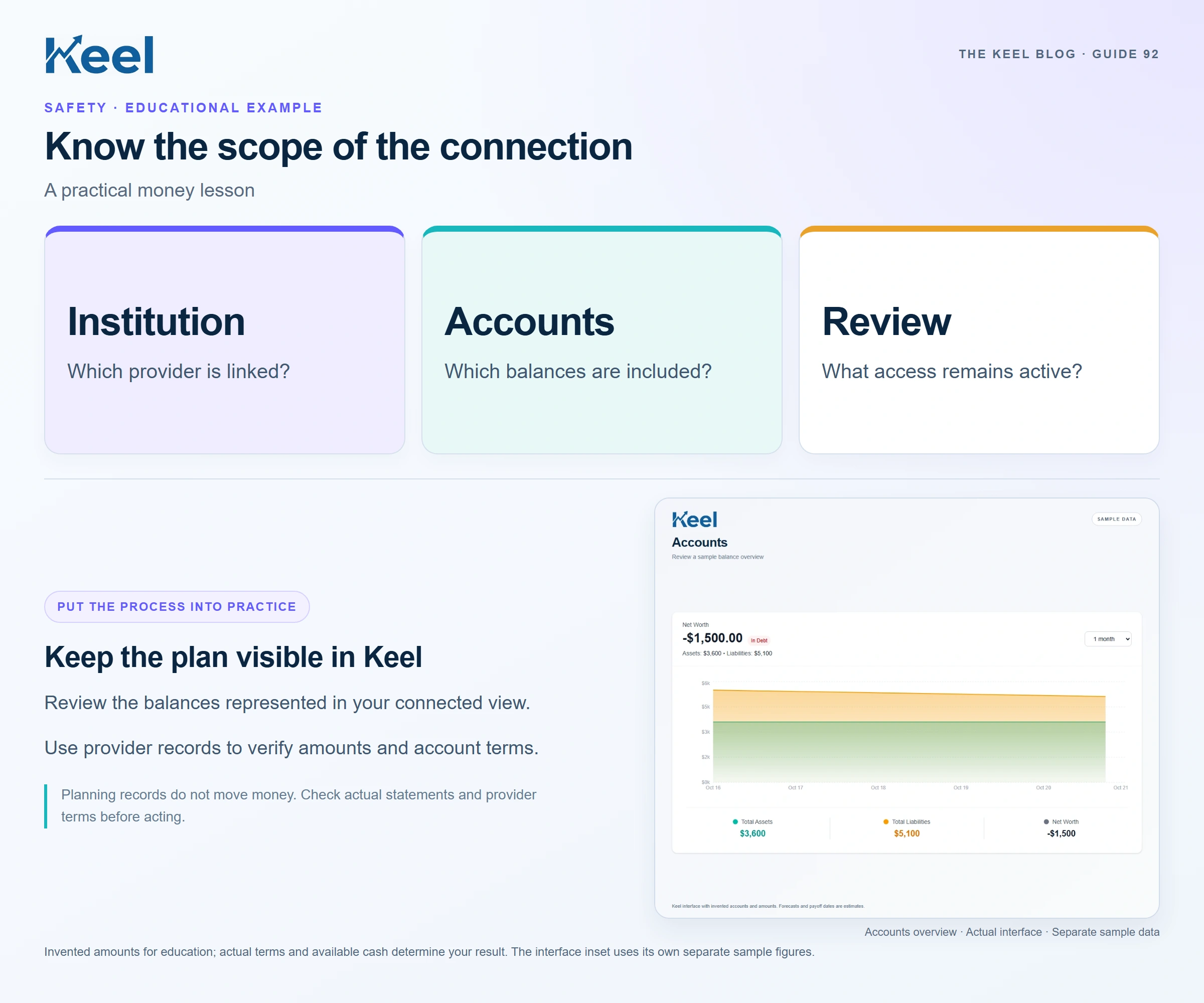
In Accounts, check institution names, account identity and the available sync or connection status information. Review Transactions within its stated bank/manual scope and separate card activity where provided. Keel is a planning app; do not assume universal institution coverage, instant updates or automatic completeness. Use the current Help and privacy information for account-specific questions.
Close obsolete access deliberately
When you stop using a service, review its documented disconnection and deletion options and confirm what the action does. Preserve financial records you still need. Do not assume removing a display entry closes the bank account or cancels a merchant debit. Keep checking actual provider statements during the transition for obligations that remain active.
Footnotes and sources
U.S. consumer education. Sources checked . General education, not an individual financial or legal recommendation.